
Overheating & fan repair
Heat can cause noise, slowdowns, freezes, and shutdowns.
A hot computer may keep running while quietly reducing performance, or it may become unstable under load. We check temperatures, fan behavior, airflow, and the cooling system before deciding whether cleaning, fan replacement, or thermal service is needed.
What we do
Thermal troubleshooting for laptops and desktops
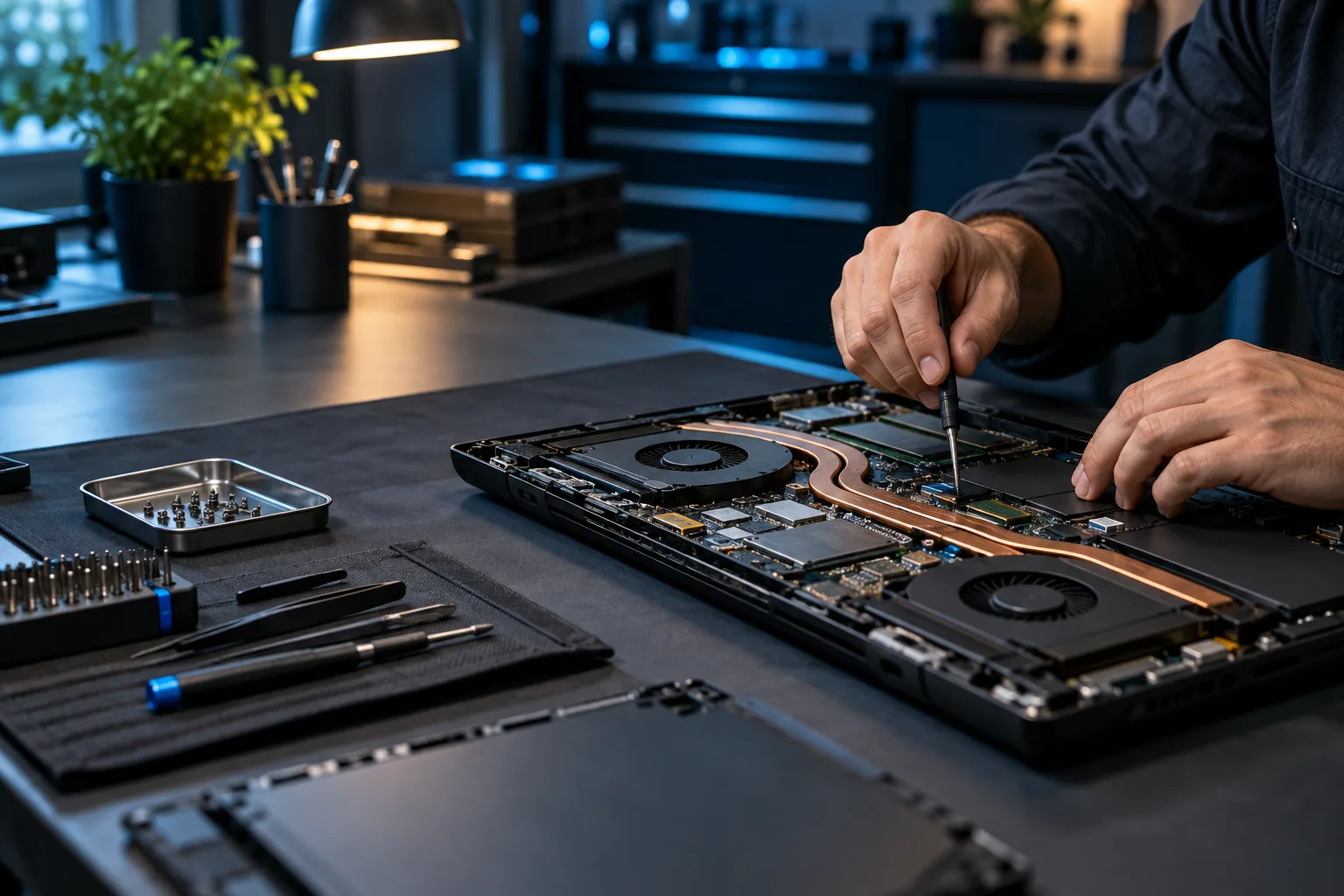
We work on overheating laptops, gaming PCs, and desktops with loud fans, grinding noises, thermal throttling, high CPU/GPU temperatures, and shutdowns under load.
Common symptoms
Signs the cooling system needs attention
- Fans grind, rattle, or run at full speed
- Laptop or desktop becomes unusually hot
- Performance drops after gaming or heavy work begins
- CPU or GPU clocks fall as temperature rises
- System freezes or shuts down under sustained load
- Fan reports an error or does not spin correctly
- Dust blocks vents or heatsinks
- Thermal performance has degraded over time
Diagnostic approach
Thermal service starts with diagnosis
CPU and GPU temperature and clock monitoring.
Fan RPM, noise, operation, and parts availability.
Vents, dust, heatsinks, and case airflow.
Heatsink mounting and thermal-interface condition when disassembly is appropriate.
Power and performance behavior during sustained work.
Post-service testing to confirm temperatures and stability.
How it works
A clear path from symptom to solution.
Testing, authorization, and validation keep the work tied to the actual problem.
Measure
Reproduce the heat or noise symptom and record temperatures.
Inspect
Check cooling hardware, airflow, and contact.
Service
Recommend cleaning, fan replacement, repasting, or another repair based on findings.
Retest
Validate temperatures and the original workload after service.
Questions & answers
Useful answers before service begins.
Does every old computer need new thermal paste?
No. Overheating can also come from failed fans, clogged heatsinks, poor mounting, firmware behavior, or other issues. Temperatures and cooling behavior should guide the decision.
Can a bad fan cause FPS drops?
Yes. If CPU or GPU temperatures trigger thermal throttling, performance can drop significantly.
Do you replace laptop fans?
Yes, when replacement parts are available for the exact model.
How often should a gaming PC be cleaned?
It depends on dust, pets, airflow, and usage. Temperature and fan behavior are better indicators than a rigid schedule.
Related services
Continue with the closest repair path.
These links connect the current symptom to supporting repair, recovery, and upgrade information.
Ready for the next step?
Describe the heat, noise, and workload.
Scheduled office appointments, pickup and drop-off, onsite service, and remote support where appropriate.