
Laptop repair
Laptop repair without guessing at the problem.
A laptop can look completely dead, run painfully slow, overheat, crash, or behave differently on battery and charger power. We diagnose the cause before recommending parts or repair work.
What we do
Windows laptop and MacBook troubleshooting
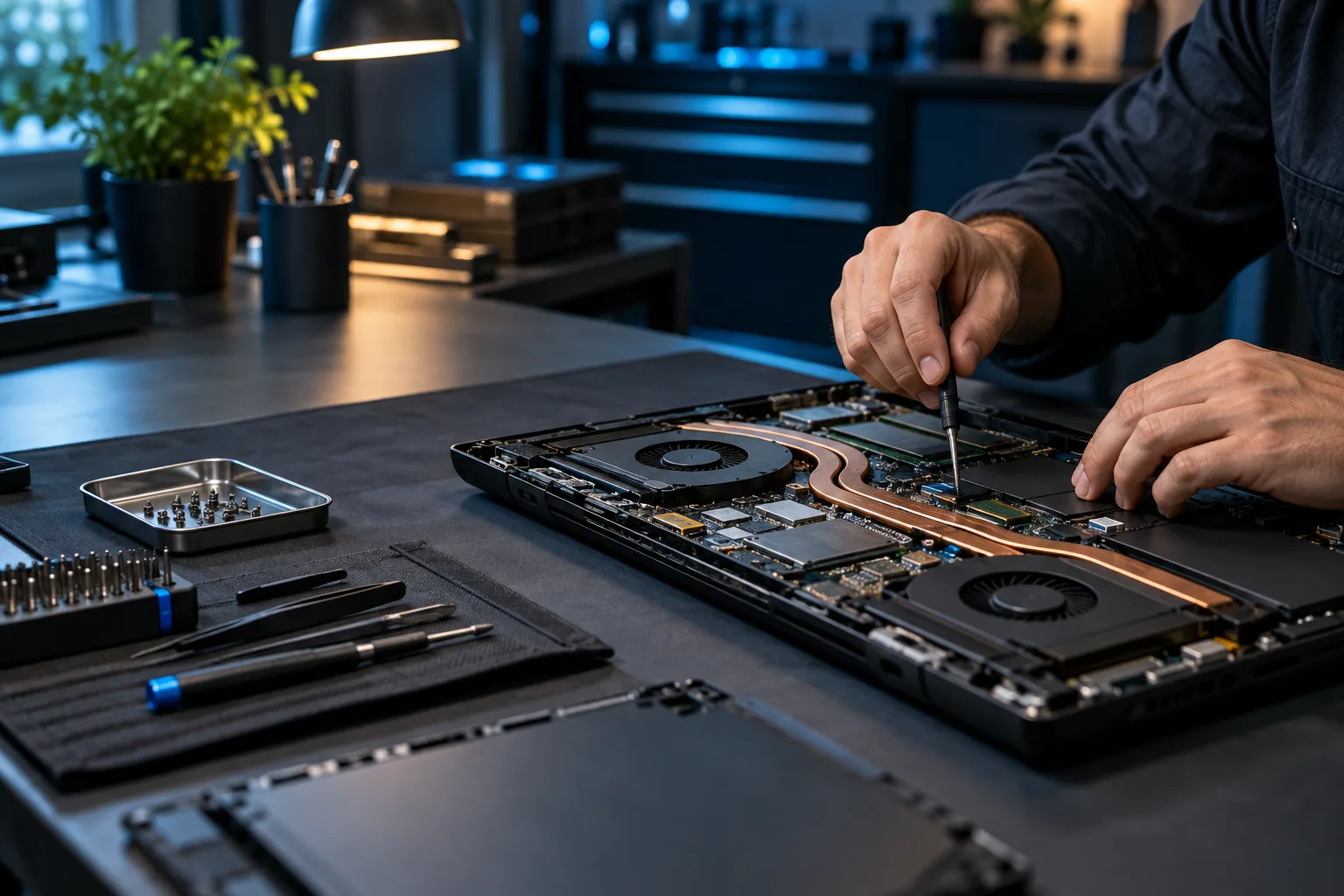
We work on common laptop hardware and software problems, including boot failures, charging issues, failing storage, memory problems, fan noise, thermal throttling, operating-system corruption, and performance problems.
Common symptoms
Laptop problems worth diagnosing
- No power, no display, or intermittent startup
- Battery will not charge or drains unusually fast
- Laptop shuts off or freezes under load
- Fans grind, rattle, or run constantly
- System is hot or performance drops as temperatures rise
- Windows is slow, corrupted, or stuck in a repair loop
- SSD or hard drive is failing or nearly full
- Wi-Fi, Bluetooth, keyboard, touchpad, USB, or screen problems
Diagnostic approach
A useful laptop diagnostic can include
AC adapter, charging path, battery health, and power behavior.
RAM testing, drive health, capacity, and upgrade options.
CPU/GPU temperatures, fan operation, airflow, and thermal behavior.
Screen, cable, graphics, keyboard, touchpad, and port evaluation.
Operating-system integrity, drivers, and firmware.
A practical comparison of repair cost, parts availability, and the laptop’s value.
How it works
A clear path from symptom to solution.
Testing, authorization, and validation keep the work tied to the actual problem.
Identify
Confirm the brand, exact model, and symptoms.
Separate
Determine whether the issue points to hardware, software, power, or thermals.
Test
Confirm the failed component or underlying software problem.
Explain
Review the repair and any sensible upgrade options before proceeding.
Questions & answers
Useful answers before service begins.
Do you repair HP, Dell, Lenovo, ASUS, Acer, and other laptop brands?
Yes. We work on many Windows laptop brands as well as Macs. Parts availability and repairability vary by exact model.
Can you fix a laptop that turns on but shows a black screen?
A black screen can come from display hardware, memory, graphics, firmware, power, or operating-system problems, so testing is important before ordering parts.
Can you replace thermal paste in a laptop?
Yes, when appropriate. Thermal service can include cleaning, fan inspection, and thermal-compound replacement, but overheating should be diagnosed rather than assuming paste is always the cause.
Can you upgrade laptop RAM or storage?
Often, yes. Many laptops support SSD upgrades and some support replaceable RAM. We can check the exact model and recommend compatible options.
Related services
Continue with the closest repair path.
These links connect the current symptom to supporting repair, recovery, and upgrade information.
Ready for the next step?
Bring the charger and the exact model if possible.
Scheduled office appointments, pickup and drop-off, onsite service, and remote support where appropriate.