
Gaming laptop repair
Gaming laptops concentrate heat, power, and performance into a small space.
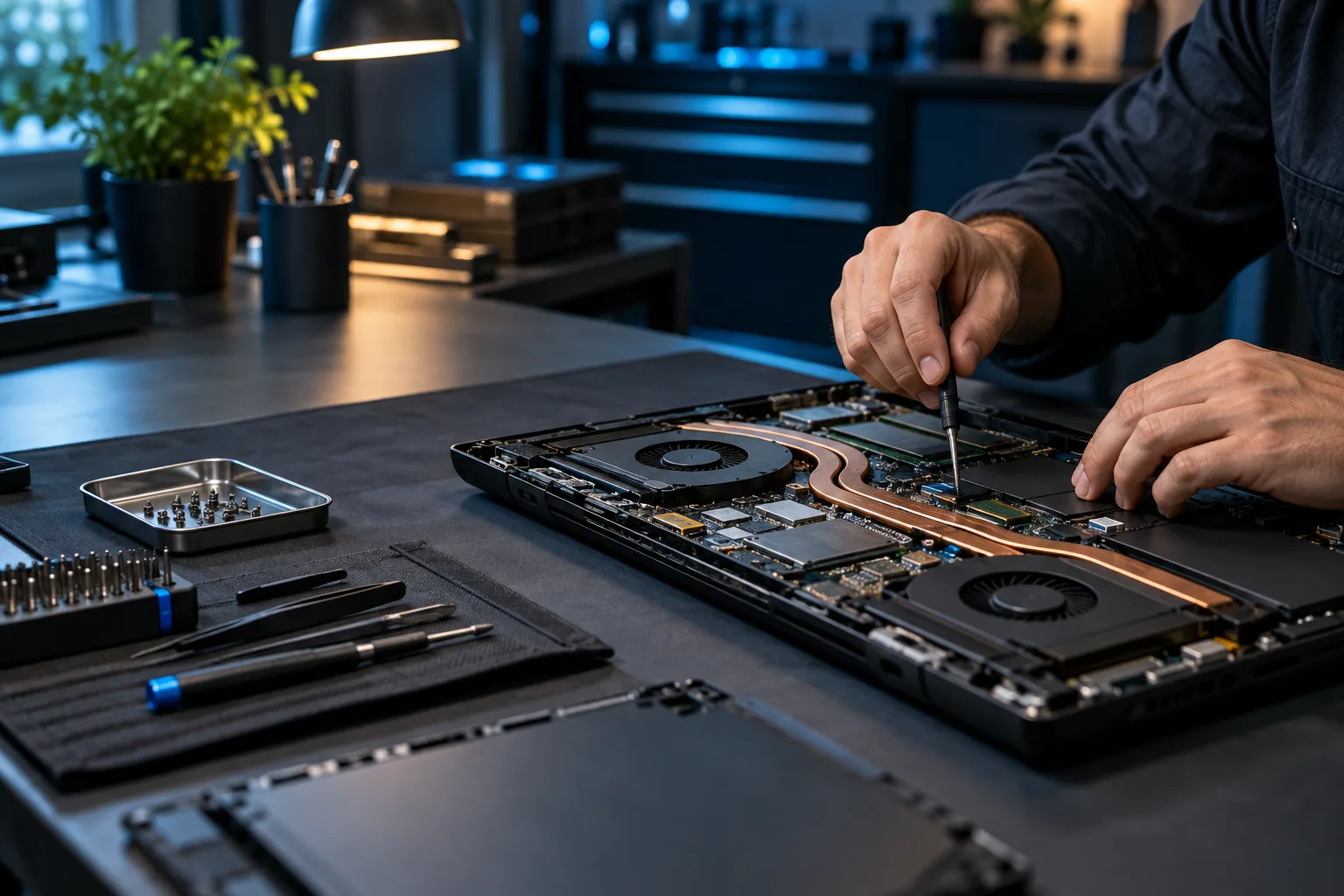
Gaming-laptop failures often appear only under sustained load. Diagnosis can involve temperatures, cooling contact, fans, power behavior, memory, storage, graphics, firmware, and the exact workload that triggers the problem.
What we do
Thermal and stability diagnostics for high-performance laptops
We evaluate systems including Alienware, ASUS ROG and TUF, Acer Predator and Nitro, Lenovo Legion, HP OMEN and Victus, MSI Gaming, Razer Blade, and other performance laptops.
Common symptoms
Gaming-laptop problems worth testing
- Temperatures climb quickly during games
- Fans grind, rattle, stop, or stay at maximum speed
- Performance drops after the system warms up
- Laptop freezes, restarts, or shuts down under load
- Black screen, artifacts, or display loss
- Charging or battery behavior changes during gaming
- SSD/NVMe storage fails or disappears
- A previous thermal service did not solve the problem
Diagnostic approach
A careful gaming-laptop evaluation can include
Separate thermal throttling, a crash, a restart, and complete power loss.
Inspect fans, heatsinks, airflow, mounting pressure, and thermal-interface condition.
Evaluate manufacturer-applied or previously serviced liquid-metal systems carefully where applicable.
Compare CPU, GPU, memory, storage, and combined workloads.
Review charger behavior, firmware, performance modes, and power limits.
Retest temperatures, clocks, fan behavior, and the original workload after service.
How it works
A clear path from symptom to solution.
Testing, authorization, and validation keep the work tied to the actual problem.
Document
Record the model, symptoms, and workload.
Measure
Capture temperatures and performance before disassembly.
Service
Complete only the cooling, component, or software work the evidence supports.
Retest
Validate the original workload and thermal behavior.
Questions & answers
Useful answers before service begins.
Do you work on major gaming-laptop brands?
Yes. We evaluate many Alienware, ASUS, Acer, Lenovo, HP, MSI, Razer, Gigabyte, and other gaming laptops. Repairability and parts depend on the exact model.
Does every hot gaming laptop need thermal paste?
No. Fans, clogged fins, mounting, firmware, workload, ambient conditions, and component faults can also affect temperature.
Can you service liquid-metal cooling?
Selected systems can be evaluated for careful liquid-metal or thermal-interface service where the model and condition make that work appropriate.
Can you recover files from a failed gaming laptop?
If the storage is readable, file transfer or logical recovery may be possible. Stop using a failing SSD or NVMe drive when important data is at risk.
Related services
Continue with the closest repair path.
These links connect the current symptom to supporting repair, recovery, and upgrade information.
Ready for the next step?
Send the exact model and the workload that exposes the problem.
Scheduled office appointments, pickup and drop-off, onsite service, and remote support where appropriate.