
Gaming PC repair
Gaming PC problems need load testing—not guesswork.
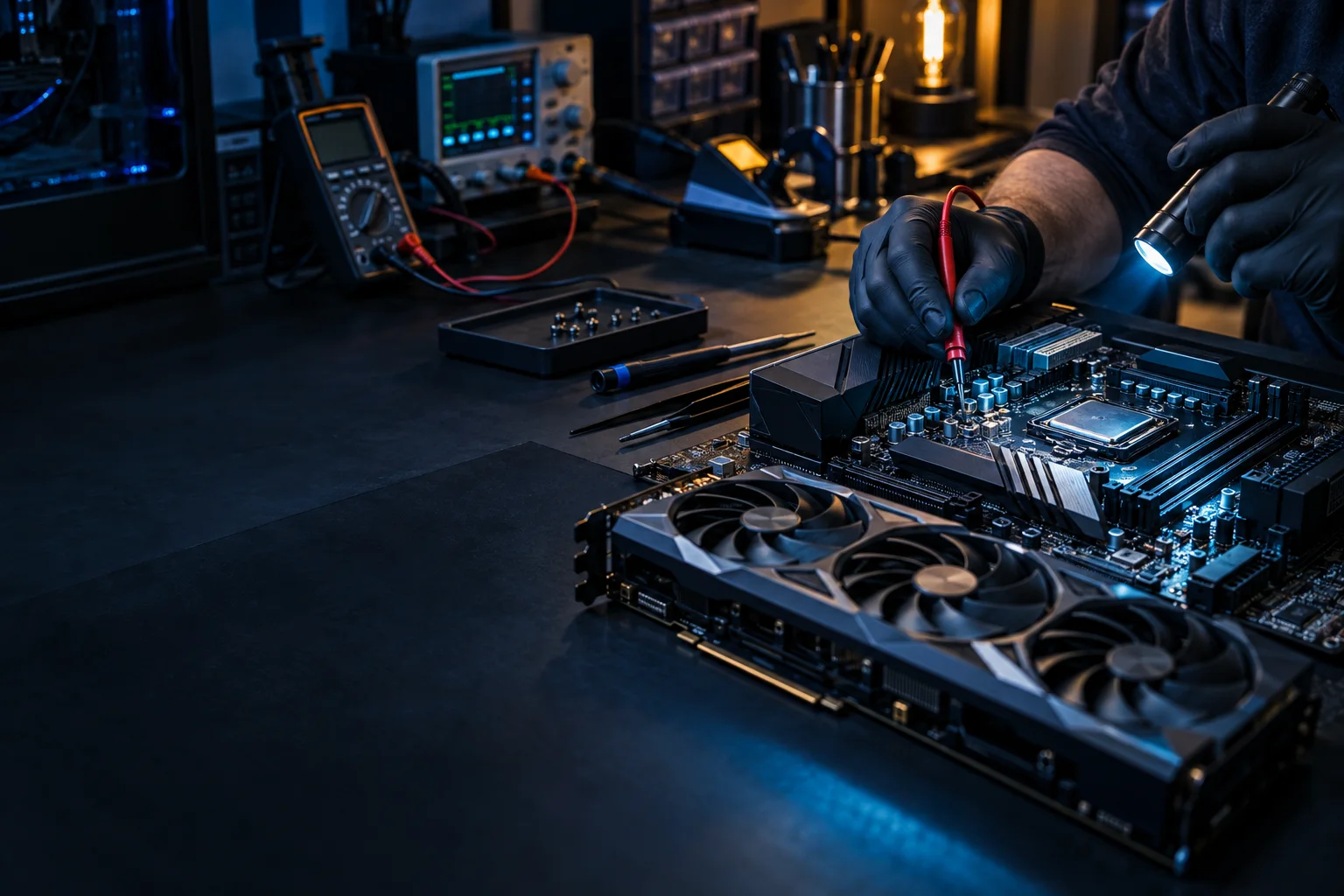
A gaming desktop may look perfectly normal on the Windows desktop and fail only when the CPU, GPU, memory, or power supply is under load. We troubleshoot the system as a whole instead of replacing parts at random.
What we do
Custom and prebuilt gaming PC diagnostics
We diagnose random shutdowns, freezes, black screens, FPS drops, thermal throttling, GPU instability, RAM errors, storage problems, power-supply concerns, and upgrade compatibility.
Common symptoms
Gaming PC symptoms we investigate
- Instant power-off during games
- Freeze with the PC still powered on
- Black screen or display loss under GPU load
- FPS drops, stutter, or performance degradation
- High CPU/GPU temperatures or loud fans
- Crashes after a GPU, RAM, or driver change
- New build will not POST or is unstable
- Intermittent problems without a clear Windows error
Diagnostic approach
How gaming-PC troubleshooting is narrowed down
Compare CPU, GPU, memory, storage, and combined system loads.
Monitor temperatures, clock speeds, fans, pumps, and throttling.
Test stability, slots, profiles, and configuration.
Review PSU capacity, age, connectors, and protection-like symptoms.
Separate driver, display, cable, and GPU hardware behavior.
Review BIOS/UEFI, firmware, storage, Windows integrity, cabling, and component seating.
How it works
A clear path from symptom to solution.
Testing, authorization, and validation keep the work tied to the actual problem.
Describe
Identify the workload and exact failure pattern.
Reproduce
Separate CPU, GPU, memory, and combined-load behavior.
Narrow
Use targeted tests to identify the likely hardware or software cause.
Recommend
Match the repair or replacement part to the evidence.
Questions & answers
Useful answers before service begins.
My gaming PC shuts off instantly with no blue screen. What can cause that?
Possible causes include power delivery, PSU protection, overheating, motherboard issues, shorts, or other hardware faults. The exact failure pattern under load helps narrow it down.
Can you test a PC that only freezes while gaming?
Yes. Gaming-only failures can require sustained and combined-load testing, temperature monitoring, memory checks, and review of power behavior.
Do you work on custom-built PCs?
Yes. We troubleshoot custom builds as well as major prebuilt gaming systems.
Can you help me choose an upgrade?
Yes. We can evaluate CPU, GPU, RAM, storage, cooling, and power-supply compatibility so an upgrade does not create a new bottleneck or stability problem.
Related services
Continue with the closest repair path.
These links connect the current symptom to supporting repair, recovery, and upgrade information.
Ready for the next step?
Share the specifications and failure pattern.
Scheduled office appointments, pickup and drop-off, onsite service, and remote support where appropriate.