
Desktop computer repair
Desktop repair starts by isolating the failed subsystem.
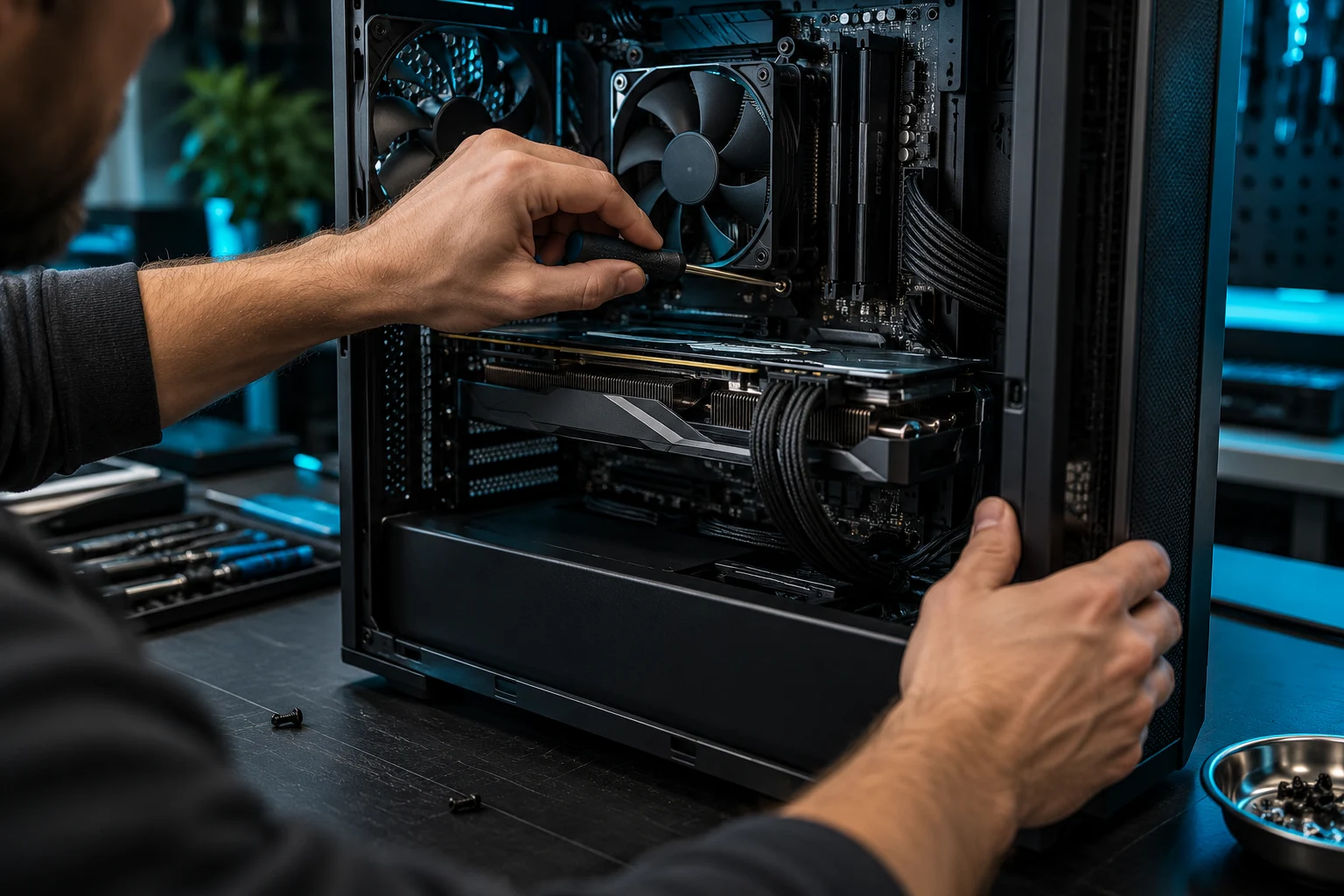
A desktop that will not start, display video, stay stable, or perform correctly may involve power delivery, the motherboard, memory, storage, cooling, graphics, cabling, or Windows. Testing should separate those possibilities before parts are ordered.
What we do
Repair and diagnostics for workstations, home desktops, and custom PCs
We troubleshoot major-brand desktops, boutique and prebuilt systems, and custom-built PCs. The open architecture can make parts replaceable, but compatibility and the actual failure still need to be confirmed.
Common symptoms
Desktop problems we investigate
- No power or no response from the power button
- Fans and lights turn on but the computer will not POST
- Black screen or intermittent display output
- Random restarts, freezes, or blue screens
- Motherboard, USB, network, or audio problems
- Failing SSD or hard drive
- High temperatures, fan noise, or shutdown under load
- Upgrade or newly built system is unstable
Diagnostic approach
Desktop troubleshooting can include
Outlet, cable, power supply, motherboard power, and startup behavior.
Memory, graphics, firmware, component seating, and diagnostic indicators.
Ports, slots, visible damage, firmware state, and component isolation.
Drive health, boot configuration, file systems, and operating-system integrity.
Fans, heatsinks, airflow, temperatures, and load behavior.
Motherboard, CPU, RAM, GPU, power supply, case clearance, and upgrade fit.
How it works
A clear path from symptom to solution.
Testing, authorization, and validation keep the work tied to the actual problem.
Describe
Share what the desktop does when power is pressed.
Inspect
Check cabling, seating, power, and the failure indicators.
Isolate
Test likely components and reproduce the problem.
Validate
Retest the original behavior after the approved repair.
Questions & answers
Useful answers before service begins.
Do you repair custom-built and prebuilt desktops?
Yes. We work on custom systems and many major-brand or boutique desktops. Parts and proprietary designs vary by model.
Can you diagnose a PC that powers on but shows no display?
Yes. Memory, graphics, firmware, cabling, motherboard, and power problems can all produce that symptom.
Can you replace a desktop motherboard or power supply?
When compatible parts are available and the repair makes practical sense, those replacements can be considered after diagnosis.
Can you upgrade the desktop while it is being repaired?
Yes, when the repair and upgrade goals fit the platform. We check compatibility before recommending parts.
Related services
Continue with the closest repair path.
These links connect the current symptom to supporting repair, recovery, and upgrade information.
Ready for the next step?
Share the system details and startup behavior.
Scheduled office appointments, pickup and drop-off, onsite service, and remote support where appropriate.